

Step 01
Listen To The Calls
Which questions your team answers most, and how long they take.
Websites & E-Commerce
The site your customers judge you by — fast, findable, and easy for your own team to update.
Apps · Customer Portals
Our Point Of View
We look at the calls and messages your team handles every day, then build the portal around the most common ones first: checking a status, paying a bill, rebooking, downloading a document. Each one that moves online is time handed back to your staff.
What's Included
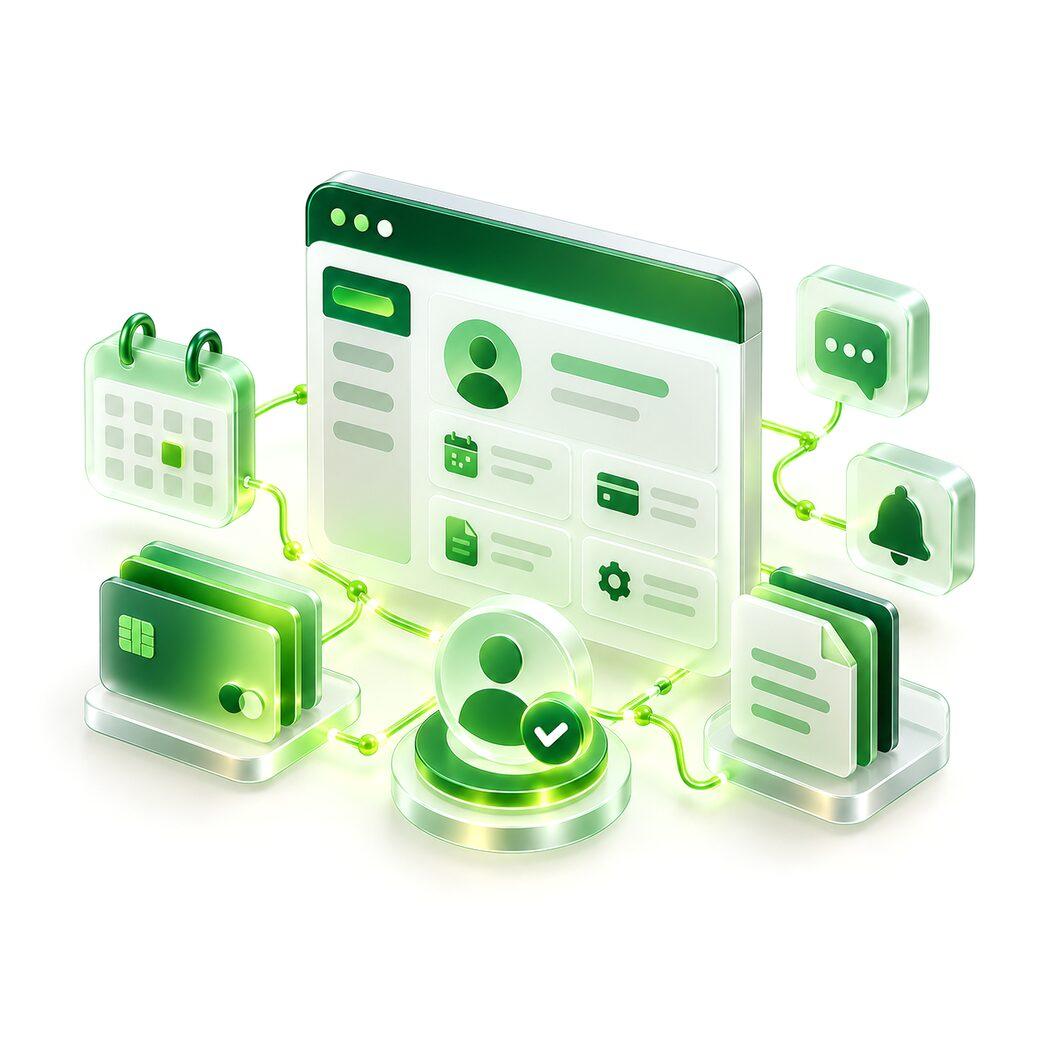
Secure sign-in with phone, email or single sign-on.
Availability, booking and rescheduling without a phone call.
Pay online, see history and download invoices.
Contracts, reports and records in one place.
Updates on orders, requests or cases as they change.
Each customer sees only their own data.
How It Works
Step 01
Which questions your team answers most, and how long they take.
Step 02
The three or four tasks that move the most calls online.
Step 03
Wired into your existing systems, so data isn't duplicated.
Step 04
Introduced to customers in stages, with support for the switch.
What You Get
01
Status, payments and bookings available without calling.
02
Customers see their history, documents and invoices in one place.
03
Your team spends time on the conversations that need a person.
More In Apps
Products and portals for customers, on the browser and on the phone, built to survive their second year.
Explore Web & Mobile AppsiOS and Android app development — cross-platform where it fits, native where it doesn't.
Admin panels and operational dashboards with clear permissions and the numbers that matter.
API development and integrations for payments, messaging, accounting and existing systems.
Frequently Asked Questions
Direct answers to what comes up most about customer portals.
Yes. We connect to the systems that already hold it rather than creating a second copy.
Accounts, permissions and data handling are designed in from the start, and each customer only sees their own records.
It's designed phone-first, and can be packaged as an app later if customers ask for one.
By starting with the tasks they find most annoying by phone, and introducing it in stages with clear instructions.